How to Follow Up on a Quote With AI (Without Nagging)
July 14, 2026
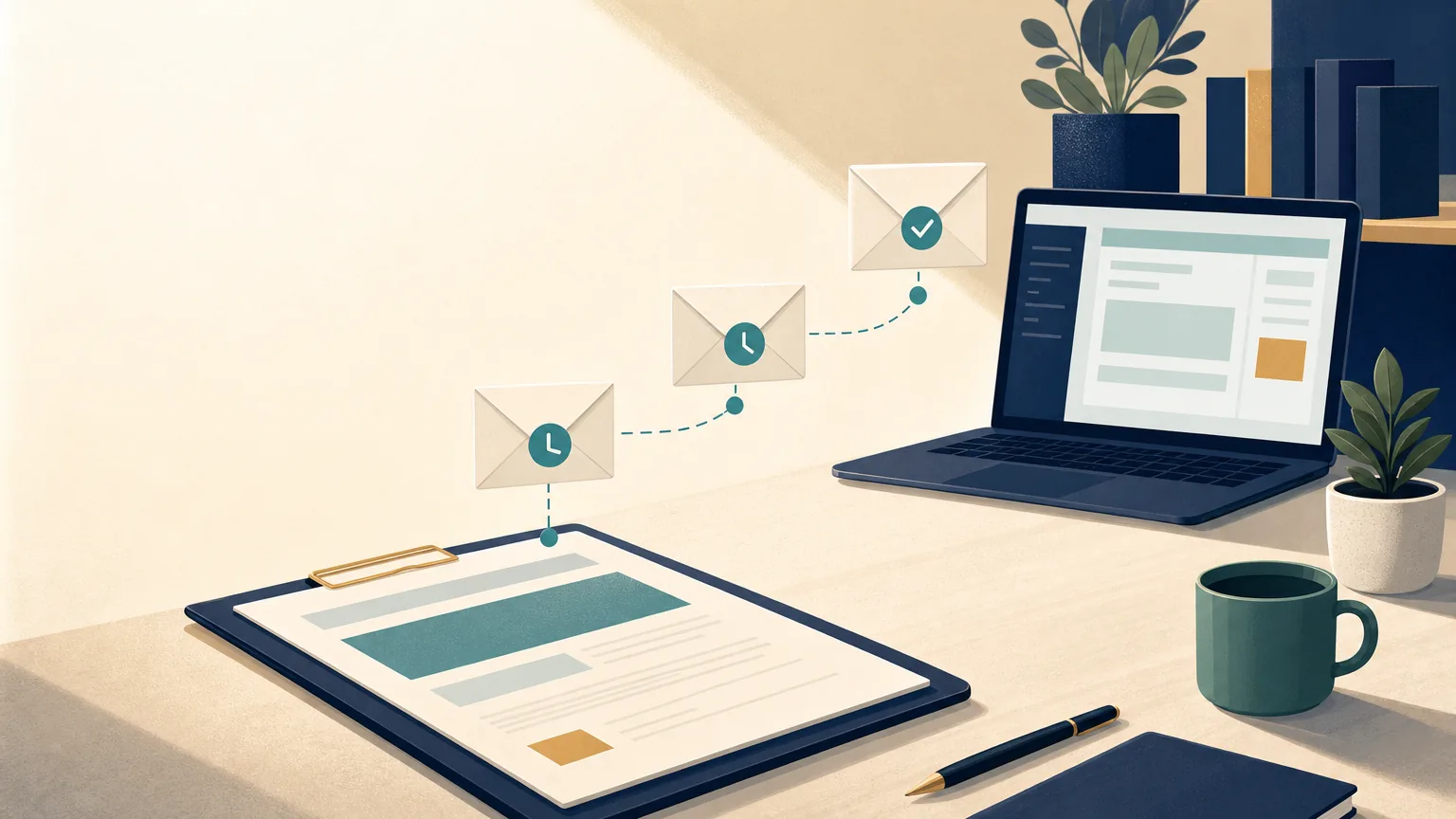
You measured the job, worked out the price, and sent a tidy quote. Then nothing. No yes, no no, just silence. So you do what most owners do: you send it and hope. Maybe you fire off one awkward “just checking in” a week later, feel like a pest, and let it drop. Learning how to follow up on a quote without that awkward feeling is the difference between a dead lead and a booked job.
That quiet pile of sent quotes is money you already earned the right to win. You did the hard part. The only thing standing between you and a booked job is a polite, timely nudge, and most of us either forget to send it or hate writing it. This is where AI earns its keep. Not by closing the deal for you, but by drafting the right message at the right moment so following up stops feeling like nagging.
Below is a simple system: a reusable ChatGPT or Claude workspace, a follow-up rhythm you can set and forget, and copy-paste templates for the replies you get most. If you have never built one of these workspaces, start with our walkthrough on ChatGPT Projects for small business, then come back here for the quote-specific prompts. If you have not sent the quote yet, our guide on how to write a quote for a job with AI covers building it first. This post is the close-the-loop companion to our guide on how to automate customer emails with AI, which covers your everyday inbox.
Why Quotes Go Quiet (and Why It Is Rarely a No)
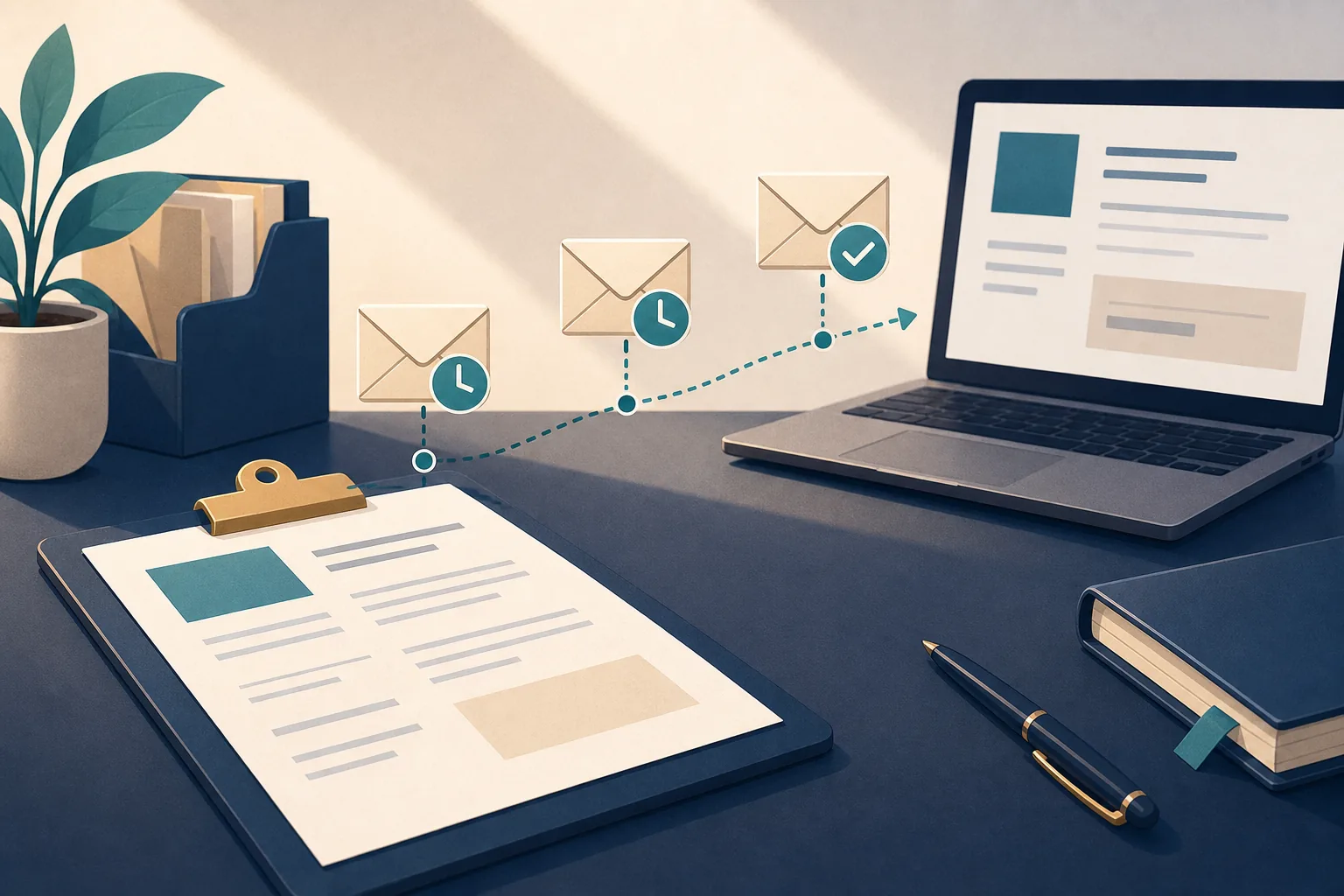
When a customer goes silent after a quote, it is easy to assume they hated the price. Usually that is not what happened. They got busy. They are waiting on a spouse, a landlord, or payday. They meant to reply and it slid down the inbox. A quote sitting in silence is almost never a hard no. It is a “not yet” that needs a reason to become a yes.
That is the whole case for following up. A good follow-up does three quiet jobs: it reminds them you exist, it makes it easy to say yes, and it signals that you are the kind of business that stays on top of things. That last one matters more than owners think. If you chase your own quote professionally, the customer imagines how you will handle their actual job.
The catch is timing and tone. Too soon or too pushy and you sound desperate. Too late or never and you lose to whoever followed up first. A steady, friendly rhythm solves both.
The Follow-Up Cadence: Day 2, Day 5, Day 12
You do not need a fancy sales funnel. You need three touches, spaced out, each with a slightly different job. Here is the rhythm I recommend for a typical service quote:
- Day 2. Confirm it landed. A short note that the quote arrived safely and you are happy to walk through anything. This is helpful, not pushy, and it often surfaces a quick question that was holding things up.
- Day 5. Add a reason to move. A gentle nudge that gives them something useful: your next available start date, a note that prices hold until a certain date, or an offer to tweak the scope to fit their budget.
- Day 12. Friendly close-out. A no-pressure message that gives them an easy out and, oddly, often gets the yes. Something like “should I keep this quote open, or close it out for now?” People reply to that because it costs them nothing.
If they go quiet after day 12, stop. Three good touches respect their time and yours. You can always reach out months later when a season or a promotion gives you a fresh reason.
Adjust the spacing to your trade. A same-week emergency plumbing quote might run day 1, day 3, day 6. A big landscaping project people mull over for weeks might stretch to day 3, day 10, day 21. The shape stays the same: confirm, nudge, close out.
Step 1. Build One “Sales and Quotes” Project
A Project is a permanent workspace inside ChatGPT or Claude. You brief it on your business once, and every chat you start inside it remembers that briefing. Instead of re-explaining who you are every time you need a follow-up, you open the Project, paste the context, and get a message that already sounds like you.
You can build this on a free account. As of July 2026, the ChatGPT Projects feature is available on both the free and paid plans, and free users can upload up to five reference files per Project, while Plus and Go users can upload up to 25, per Coursera’s guide to ChatGPT Projects. That five-file limit is plenty for a quotes workflow.
Prefer Claude? It works the same way for this job. As of July 2026, both tools have a free plan and their main paid plans run about $20 a month, per ChatGPT’s pricing page and Claude’s pricing page. Paying mostly buys higher usage limits, not a different feature here. If you are still deciding which one to use, our guide on how to choose the right LLM for your business walks through that first.
Create one Project and name it “Sales and Quotes.” That is the whole of step one.
Step 2. Brief It in Your Own Voice
This is the part that makes your follow-ups sound like you instead of a pushy sales script. In the Project’s custom instructions box, brief the AI the way you would train a new office manager. Here is a block you can copy and swap in your own details:
I own a residential landscaping company in Roseville, CA.
Our customers are homeowners, 35 to 70, who value reliable, tidy work
and clear communication. Typical jobs run $4,000 to $15,000.

Brand voice: warm, plain-spoken, confident. Never pushy, never salesy.
Write like a helpful pro who is easy to do business with.

You draft follow-up messages for quotes I have already sent.
Follow these rules every time:
- Keep it short and easy to skim. A few sentences, no walls of text.
- Use the customer's first name and mention their specific job.
- Never invent prices, dates, discounts, or promises I did not give you.
  If a detail is missing, leave a [BRACKETED BLANK] for me to fill in.
- No guilt, no pressure, no fake urgency. Give one clear, easy next step.
- Sign off as "Dana, Green Ridge Landscaping."
That bracketed-blank rule matters more than it looks. It stops the AI from guessing a price or a start date, which is the fastest way a follow-up gets you in trouble. This is the same discipline we use when we automate customer emails with AI: the AI drafts, but it flags anything it does not know instead of making it up.
Then upload two or three reference files if you have them: a couple of past quotes you were proud of and a follow-up email that landed well. Keep it lean. Three good examples beat thirty.
Step 3. Save a Prompt for Each Touch
Here is the trick that turns a one-off chat into a repeatable system. Save each prompt below inside your Project so you are never rewriting them. Paste one in, drop in the job details, and you get a ready-to-send draft in seconds.
Prompt A: Day 2, confirm it landed.
Write a short, friendly follow-up to a customer I sent a quote to
two days ago. Confirm the quote arrived, offer to answer any
questions or walk through it, and give one easy next step.
Warm and low-key, 3 to 4 sentences. No pressure.

CONTEXT:
[customer first name, what the quote was for, the amount, date sent]
Prompt B: Day 5, add a reason to move.
Write a gentle follow-up to a customer who has not replied to a quote
I sent five days ago. Remind them in one line what it was for, then
add one helpful reason to move forward that I give you below (a next
available start date, how long the price holds, or an offer to adjust
scope to fit their budget). One clear next step. 3 to 5 sentences.

CONTEXT:
[what the quote was for, the reason to move, any detail]
Prompt C: Day 12, friendly close-out.
Write a no-pressure "close the loop" follow-up for a customer who
went quiet on a quote I sent about twelve days ago. Give them an
easy out: ask whether I should keep the quote open or close it out
for now, and say I am glad to help whenever the timing is right.
Short and warm, 3 to 4 sentences. No guilt.

CONTEXT:
[customer first name, what the quote was for]
Notice the pattern in all three: the AI drafts, but it is told to flag anything it does not know instead of inventing it. That is what keeps the whole system trustworthy.
Step 4. Handle the Replies You Get Most
The point of following up is to start a conversation, and a few replies come back again and again. Save a prompt for each so you are never stuck staring at a tricky message. Feed the customer’s exact words in as context.
“It’s too expensive.” This is an invitation, not a rejection. You want a reply that holds your value without instantly slashing the price:
A customer replied that our quote is too expensive. Draft a calm,
respectful reply that does not get defensive. Acknowledge budget
matters, restate the value in one line, and offer one real option
I give you below (phasing the work, adjusting scope, or a payment
plan). Never invent a discount. Leave a [BRACKETED BLANK] if I need
to add a number. 4 to 6 sentences.

THEIR MESSAGE:
[paste it]
OPTION I CAN OFFER:
[what you are willing to do, if anything]
“We’re still deciding.” They are warm but not ready. Make it easy to stay in touch:
A customer says they are still deciding on our quote. Draft a friendly,
patient reply. Thank them, offer to answer any open questions, and
suggest one light next step (a quick call, or checking back on a date
they choose). No pressure, no fake deadline. 3 to 5 sentences.

THEIR MESSAGE:
[paste it]
“We went with someone else.” How you handle a no decides whether they call you next time:
A customer says they went with another company. Draft a gracious,
brief reply. Thank them for considering us, wish them well on the
project, and leave the door open for the future without being needy.
2 to 4 sentences.

THEIR MESSAGE:
[paste it]
Read every draft before it sends. The AI gets the words right; you make sure the facts and the offer are right.
Step 5. The 30-Second Check Before You Send
AI gets you most of the way. The last stretch is a quick human pass, and it is what keeps a helpful tool from becoming an embarrassing mistake. Before any follow-up leaves your outbox, run this check:
- Fill every bracket. If the draft still says [PRICE] or [START DATE], you are not done.
- Check the numbers and the job. Right customer, right quote, right amount.
- Cut any promise you did not make. AI sometimes adds a discount or a guarantee to sound helpful. Delete anything you cannot stand behind.
- Read it out loud once. If it does not sound like you, change one line.
Thirty seconds, then send. This is the same habit we recommend for replying to Google reviews with AI: move fast, but never let the machine hit send unread on something a customer sees.
Common Mistakes to Avoid
Only following up once, then giving up. One nudge is easy to miss. The confirm-nudge-close-out rhythm is where most of the wins hide.
Waiting too long to start. A quote is freshest in the customer’s mind the day they get it. Day 2 beats day 12 for the first touch.
Sounding desperate. “Just checking in again???” reads as anxious. Give a reason to move or an easy out instead, which is exactly what the prompts above are built to do.
Letting the AI invent details. If your instructions do not forbid guessing, the AI will happily make up a discount or a start date. Keep the bracketed-blank rule in every prompt.
Never closing the loop. If day 12 comes and goes with no reply, mark it done. Chasing forever wastes the time you could spend on live leads.
Frequently Asked Questions
How many times should I follow up on a quote?
Three touches is a good default for most service work: a day-2 confirmation, a day-5 nudge with a reason to move, and a day-12 friendly close-out. That is enough to stay top of mind without becoming a pest. If you still hear nothing after the close-out, stop and move on. You can reach back out later when a new season, opening, or promotion gives you a genuine reason.
What should I say when following up on a quote?
Lead with their name and the specific job, keep it short, and give one clear next step. Early on, offer to answer questions. A few days later, add something useful like your next available start date or an offer to adjust the scope. On the last touch, give them an easy out, such as asking whether to keep the quote open or close it out. Avoid guilt, fake deadlines, and “just checking in” with nothing behind it.
Can AI send the follow-ups for me automatically?
It can draft them instantly, but sending should stay in your hands. The workflow here is built so AI writes the message in seconds and you approve it, which keeps a wrong price or an off-tone note from going out unread. True hands-off auto-send is possible with extra automation tools, but for a small business the small human check is worth it. Keep yourself on the send button and you get almost all of the speed with none of the risk.
Do I need to pay for ChatGPT or Claude to do this?
No. As of July 2026, ChatGPT Projects works on the free plan, with up to five reference files per Project, per Coursera’s guide, and Claude also has a free plan. Paid plans on both tools run about $20 a month as of July 2026, per ChatGPT’s pricing page and Claude’s pricing page, and mostly raise your usage limits. Most owners start free and only upgrade if they hit a wall.
Is it pushy to follow up on a quote?
Not if you do it with a light touch. Customers expect a professional to follow up, and many are quietly relieved when you do because it saves them from digging the quote back out. Pushy is three messages in three days with guilt attached. Helpful is a spaced-out rhythm that makes it easy to say yes, ask a question, or bow out. The tone rules in the prompts above are designed to keep every message on the helpful side.
Try This Today
Open ChatGPT or Claude and create one Project called “Sales and Quotes.” Paste the custom-instructions block from Step 2 and swap in your business, your customers, and your voice. Then pick one quote you sent in the last two weeks that never got a reply, paste the details into Prompt A or Prompt B, and read what comes back. Fix any bracket, give it the 30-second check, and send it.
That is under 15 minutes, and you walk away with a reusable workspace plus one real follow-up already on its way to a customer.
If your business is in the trades, I have written up exactly how this looks inside a home services business, where quote follow-up drafting is one of the core jobs it covers.
If you would rather not build this alone, that is the follow-up an AI employee drafting in your tone prepares without nagging. I build a trained AI that works on your computer, with your accounts, and under your rules, install it at your desk, and teach you to run it. Tell me the one job you would hand off first and I will tell you honestly what it could take off your plate, what it would cost, and if the answer is “you do not need me for this,” I will say that too.
Get AI Tips for Your Business
Quick, practical tips you can use this week. No spam.
Want Someone to Just Handle This?
I build AI employees for local businesses: trained on your work, installed on your computer, running under your rules. Tell me the one job you'd hand off first and I'll tell you honestly what one could take off your plate.
Tell Me What You'd Hand Off